RRB NTPC · প্রশ্ন 81
একটি ফাইলের নাম হাইলাইট করা হয়েছে, এবং আপনি এটিকে অন্য একটি ফোল্ডারে কপি করতে চান এবং এটিকে আসল ফোল্ডারেও রাখতে চান। কোন ধাপের জোড়া এই কাজের সাথে মেলে?
উত্তর দেখান ও ব্যাখ্যাব্যাখ্যা দেখুন
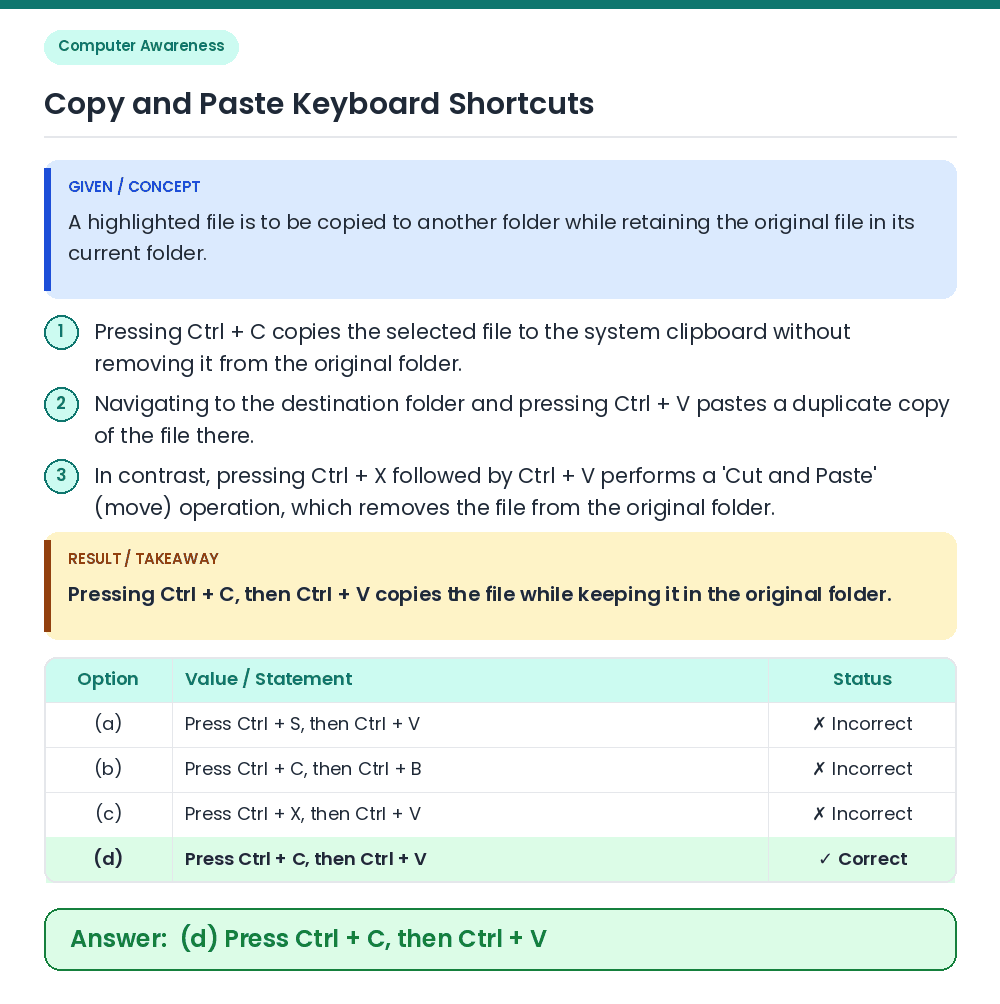
উত্তর: (D) Ctrl + C টিপুন, তারপর Ctrl + V
• A highlighted file is to be copied to another folder while retaining the original file in its current folder. • Pressing Ctrl + C, then Ctrl + V copies the file while keeping it in the original folder. Related Facts: • Pressing Ctrl + C copies the selected file to the system clipboard without removing it from the original folder. • Navigating to the destination folder and pressing Ctrl + V pastes a duplicate copy of the file there. • In contrast, pressing Ctrl + X followed by Ctrl + V performs a 'Cut and Paste' (move) operation, which removes the file from the original folder. Correct Answer: (d) Press Ctrl + C, then Ctrl + V