RRB NTPC · પ્રશ્ન 44
વિન્ડોઝ 11 માં આંશિક નામવાળી ફાઈલોને કેવી રીતે શોધશો?
જવાબ બતાવો અને સમજૂતીસમજૂતી જુઓ
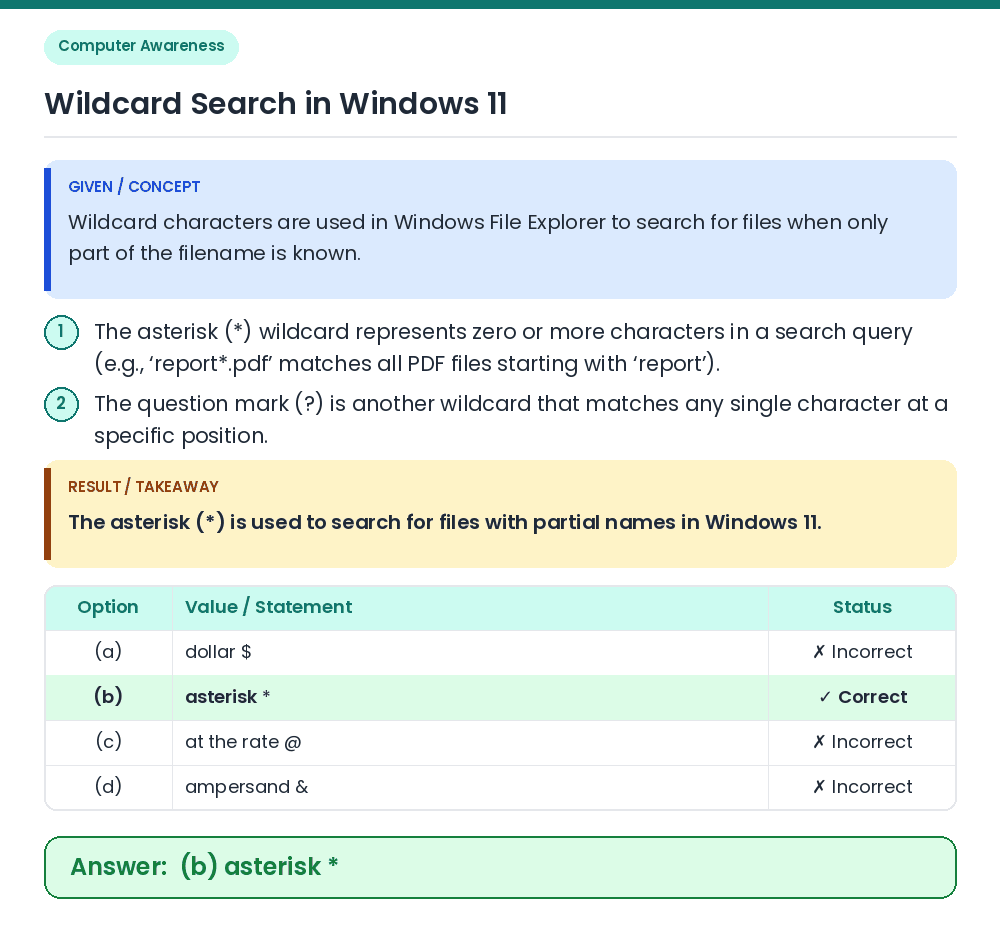
જવાબ: (B) એસ્ટરિસ્ક *
GIVEN / CONCEPT: Wildcard characters are used in Windows File Explorer to search for files when only part of the filename is known. Step 1: The asterisk (*) wildcard represents zero or more characters in a search query (e.g., ‘report*.pdf’ matches all PDF files starting with ‘report’). Step 2: The question mark (?) is another wildcard that matches any single character at a specific position. RESULT / TAKEAWAY: The asterisk (*) is used to search for files with partial names in Windows 11. Correct Answer: (b) asterisk *