RRB NTPC · Question 81
A file name is highlighted, and you want to copy it to another folder while keeping it in the original folder as well. Which pair of steps matches this task?
Show answer & explanationShow explanation
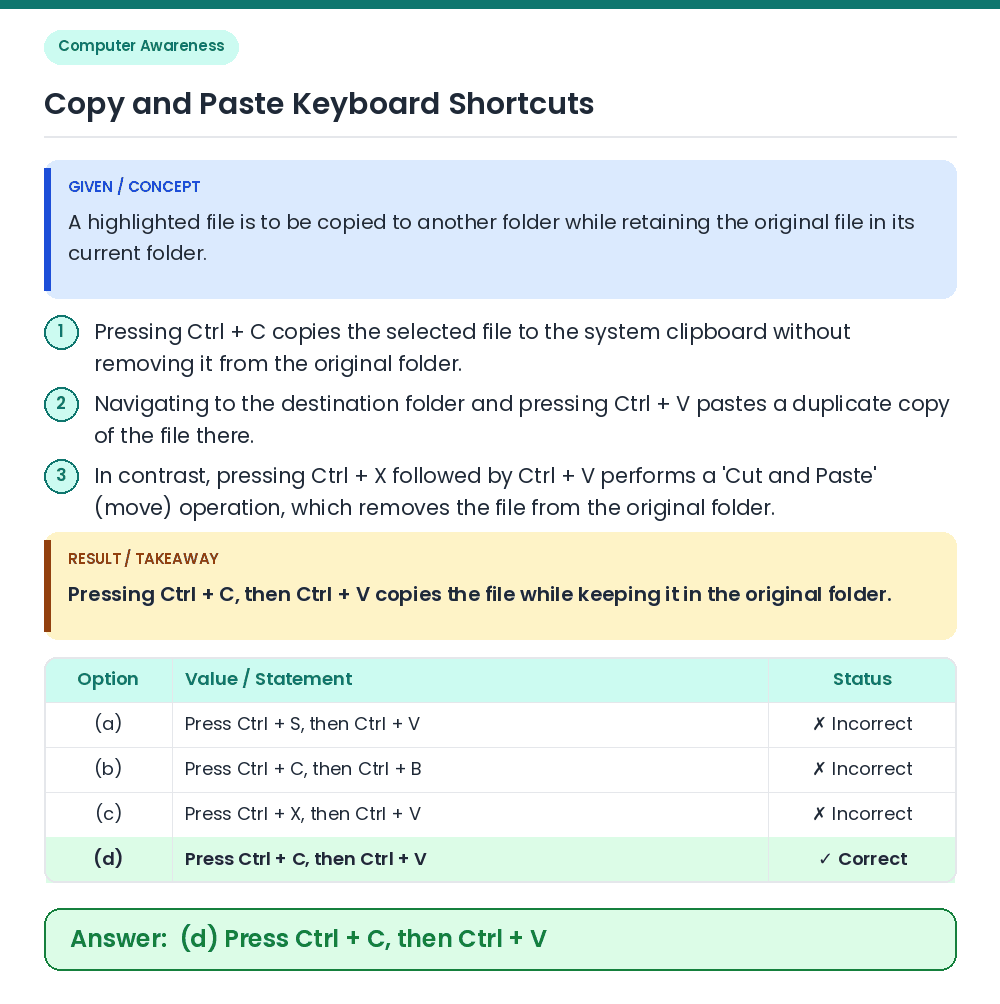
Answer: (D) Press Ctrl + C, then Ctrl + V
• A highlighted file is to be copied to another folder while retaining the original file in its current folder. • Pressing Ctrl + C, then Ctrl + V copies the file while keeping it in the original folder. Related Facts: • Pressing Ctrl + C copies the selected file to the system clipboard without removing it from the original folder. • Navigating to the destination folder and pressing Ctrl + V pastes a duplicate copy of the file there. • In contrast, pressing Ctrl + X followed by Ctrl + V performs a 'Cut and Paste' (move) operation, which removes the file from the original folder. Correct Answer: (d) Press Ctrl + C, then Ctrl + V