RRB NTPC · Question 32
Which tab in the Windows 11 Task Manager allows a user to change the priority of a running application?'
Show answer & explanationShow explanation
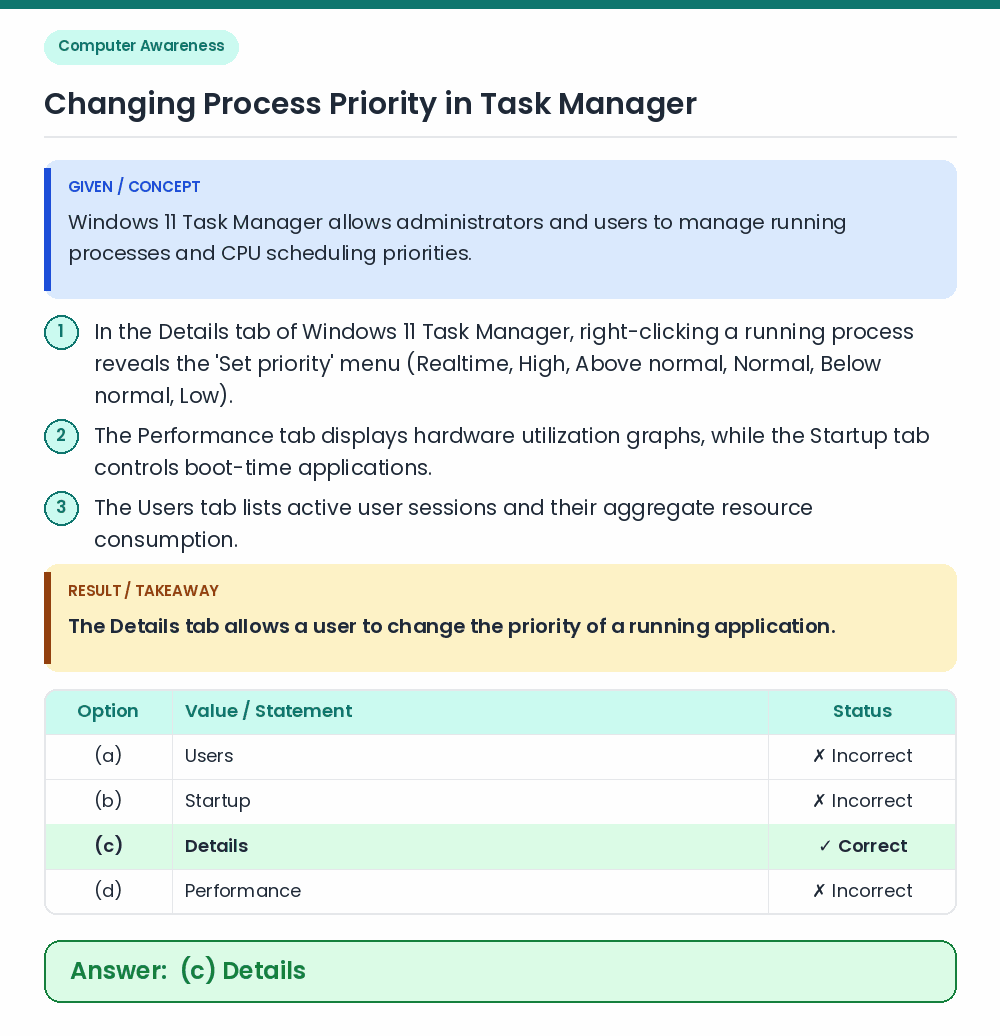
Answer: (C) Details
• The Details tab allows a user to change the priority of a running application. • Windows 11 Task Manager allows administrators and users to manage running processes and CPU scheduling priorities. Related Facts: • In the Details tab of Windows 11 Task Manager, right-clicking a running process reveals the 'Set priority' menu (Realtime, High, Above normal, Normal, Below normal, Low). • The Performance tab displays hardware utilization graphs, while the Startup tab controls boot-time applications. • The Users tab lists active user sessions and their aggregate resource consumption. Correct Answer: (c) Details