RRB NTPC · Question 53
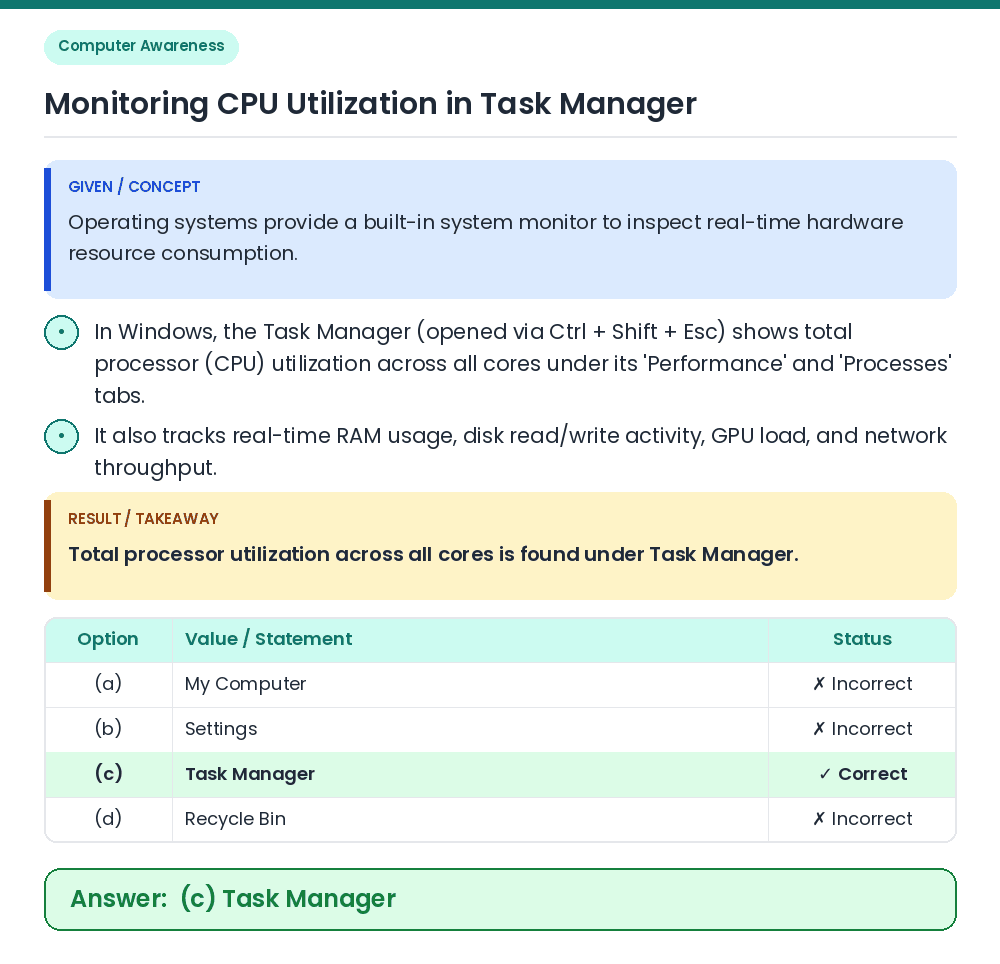
Under which section can we find the total processor utilization across all cores on a computer?
Show answer & explanationShow explanation
Answer: (C) Task Manager
• Operating systems provide a built-in system monitor to inspect real-time hardware resource consumption. • Total processor utilization across all cores is found under Task Manager. Related Facts: • In Windows, the Task Manager (opened via Ctrl + Shift + Esc) shows total processor (CPU) utilization across all cores under its 'Performance' and 'Processes' tabs. • It also tracks real-time RAM usage, disk read/write activity, GPU load, and network throughput. Correct Answer: (c) Task Manager