RRB NTPC · Question 18
When a Windows computer is in Sleep mode, which common user action will typically bring the system back to an active state?
Show answer & explanationShow explanation
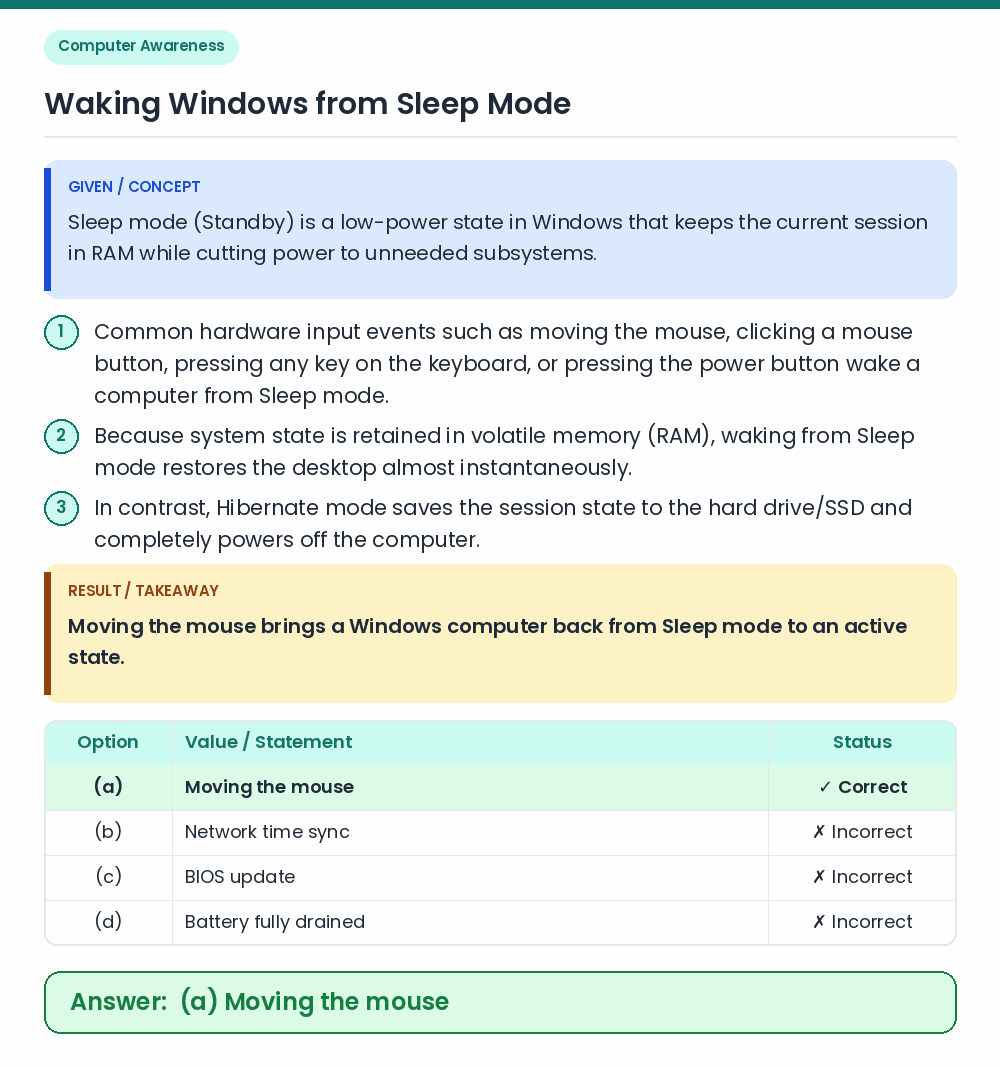
Answer: (A) Moving the mouse
• Moving the mouse brings a Windows computer back from Sleep mode to an active state. • Sleep mode (Standby) is a low-power state in Windows that keeps the current session in RAM while cutting power to unneeded subsystems. Related Facts: • Common hardware input events such as moving the mouse, clicking a mouse button, pressing any key on the keyboard, or pressing the power button wake a computer from Sleep mode. • Because system state is retained in volatile memory (RAM), waking from Sleep mode restores the desktop almost instantaneously. • In contrast, Hibernate mode saves the session state to the hard drive/SSD and completely powers off the computer. Correct Answer: (a) Moving the mouse