RRB NTPC · Question 86
What is one way to monitor the real-time flow of activities on a Windows computer?
Show answer & explanationShow explanation
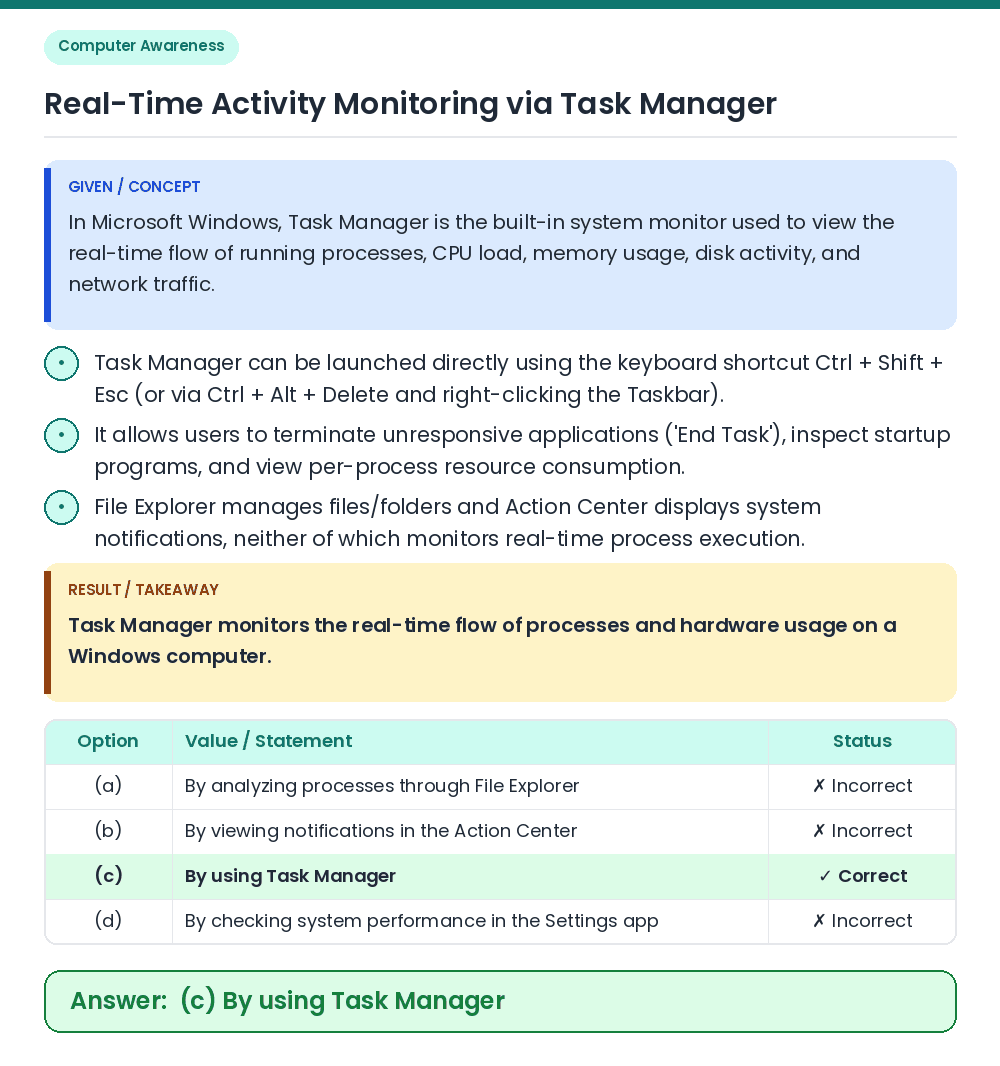
Answer: (C) By using Task Manager
• In Microsoft Windows, Task Manager is the built-in system monitor used to view the real-time flow of running processes, CPU load, memory usage, disk activity, and network traffic. • Task Manager monitors the real-time flow of processes and hardware usage on a Windows computer. Related Facts: • Task Manager can be launched directly using the keyboard shortcut Ctrl + Shift + Esc (or via Ctrl + Alt + Delete and right-clicking the Taskbar). • It allows users to terminate unresponsive applications ('End Task'), inspect startup programs, and view per-process resource consumption. • File Explorer manages files/folders and Action Center displays system notifications, neither of which monitors real-time process execution. Correct Answer: (c) By using Task Manager